Stapsher’s Public API uses a GitHub App for managing your site’s repository on GitHub.
Step 1: Install Stapsher GitHub App
Login on GitHub and visit the Stapsher GitHub App page:
You should see the Install button.
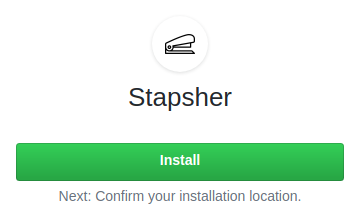
Hit it and follow the instructions.
You can give Stapsher permission to access all your repository or only select a few, it’s up to you.
And, that’s it!
Step 2: Add configuration file: stapsher.yaml
Stapsher looks for stapsher.yaml at the root of your site’s repository. You can fine-tune Stapsher’s behavior in this file.
Take a look at the sample configuration file: stapsher.yaml Sample
You can use it as is. Or change and extend it according to your need.
You can find all the available configuration options here: stapsher.yaml Options
Step 3: Prepare your HTML Forms
For using Stapsher with your site’s HTML Forms, check:
You’re all set!